Know where your child is, and see them grow
Your child can take EdiF PEAK at home, with you supervising. You will see their level in Math and English today, and how far they have come at the next test.
Testing at home
- Create your account
Sign in with your email. There is no password; we send you a code each time.
- Add your child
Enter their name, date of birth and grade.
- Get today's code
Open the code on the device your child will use, or scan the QR code.
- Stay with them
Sit nearby while they work on their own. The score only helps if it shows what they can do.
What you will see
- The PEAK score and the grade level it matches, for each subject.
- An age comparison: top 25%, middle 50% or bottom 25% for your child's age.
- English level on the CEFR scale, and a reading level.
- The change since the last test.
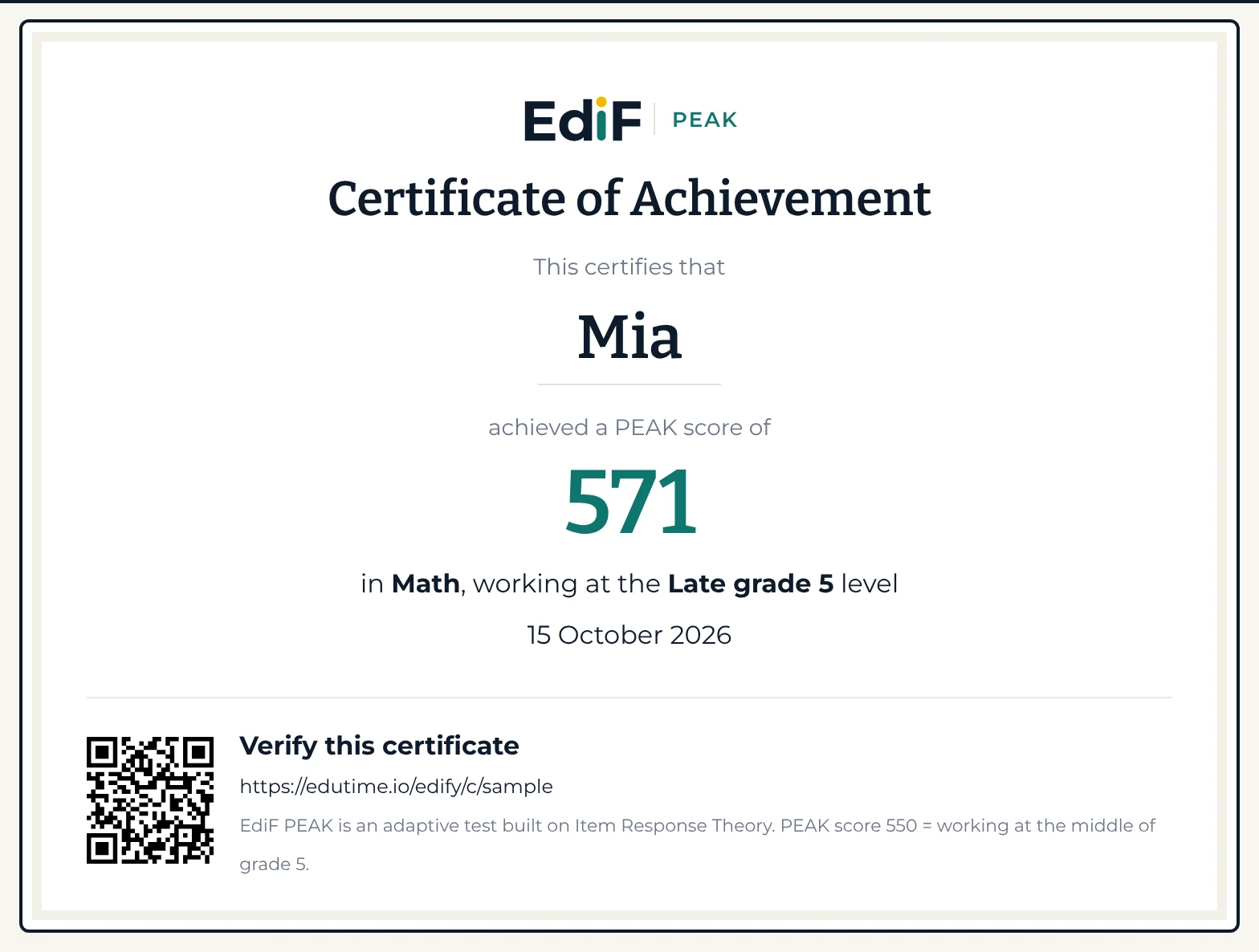
The full report, US$39 per child per year after the calibration year, adds named strengths and focus areas, the skills to learn next, a growth chart, a PDF and a certificate.
If your child's school uses EdiF PEAK
The school gives the test codes, and you follow the results from your own account.
- Link the school report
- Scan the QR code on the printed report, or open the link the school sends, to add your child to your account.
- One growth line across schools
- If your child changes school, link the records so every test shows on one line.
- You decide what schools see
- One switch decides whether your child's schools can see results from other schools and from home. You can change it at any time.
- Up to four times a year
- Each subject can be taken up to four times a year at school; at home, every twelve weeks.
Start with one subject this week
It takes two minutes to create an account and add your child.